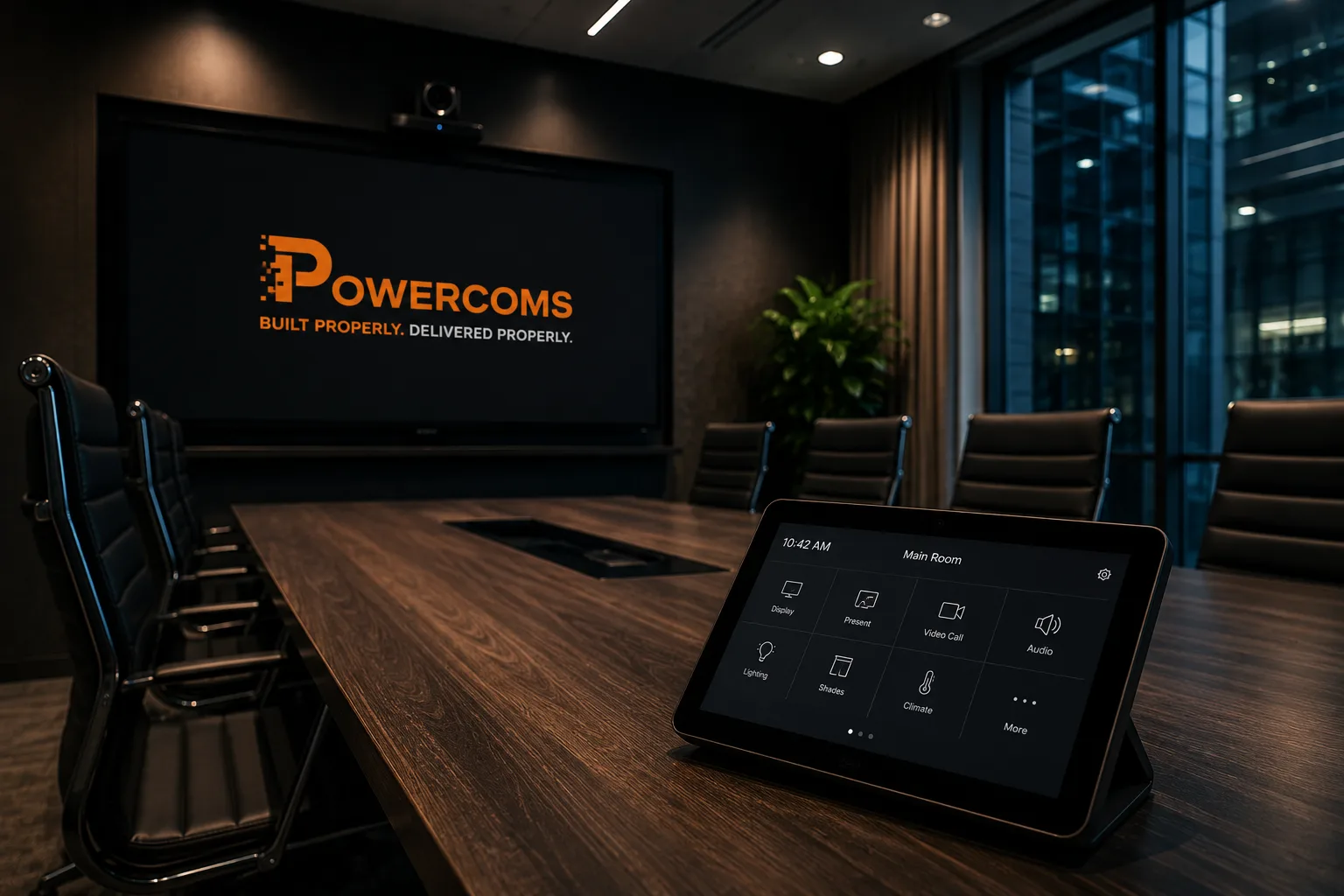
Meeting rooms cost more per square metre than almost any other space in your building. They're where first impressions get made, where decisions happen, and where your team depends on technology working. In most buildings we visit, they're also the least reliable technology in the entire place.
The problem nobody admits out loud
Every organisation has a version of the same story. An important meeting, a client in the room, a presentation that needed to work, and the technology that didn't. The cable that wouldn't connect. The screen that showed the wrong input. The video call where the remote participants couldn't hear anything.
What's remarkable isn't that it happens. It's that it's become so normalised that most businesses have simply accepted it as the cost of doing business. People arrive early to test the equipment. They bring their own cables as backup. They have a Plan B before the meeting even starts.
This is not a minor inconvenience. It's a measurable business cost: in time, in credibility, and in the compounding frustration of a workforce that's learned not to trust the spaces they work in.
"The meeting room is where your business is judged. It's also, in most buildings, the most consistently unreliable technology in the place."
What we actually find when we assess a site
When we walk an office and look at the meeting room setup, the issues tend to be the same regardless of the size of the organisation or the age of the building. Here's what comes up every time.
No consistency across rooms
Room one has a HDMI cable and a wall plate. Room two has wireless screen sharing. Room three has a Teams bar that nobody knows how to use. The boardroom has a full AV rack that requires someone from IT to operate it properly. Every room is different, which means every room requires its own learning curve, and every visitor has a different experience depending on which room they end up in.
Displays sized for the furniture, not the room
The industry rule of thumb is straightforward: the screen diagonal in inches should be at least one sixth of the viewing distance in inches. A 12-person room where the back row sits 4.5 metres from the screen needs a minimum 106-inch display. Most commercial meeting rooms have a 75 or 86-inch screen selected because it looked impressive in the showroom, and is functionally unreadable from the back two rows.
The camera that sees the wrong thing
A camera mounted above the display and pointed at the whiteboard. A wide-angle lens that makes the room look empty even when it's full. A camera with no auto-framing that stays fixed while the conversation moves around the table. Remote participants spend the call looking at the ceiling or at someone's forehead. The in-room experience is fine. The remote experience is something else entirely.
Microphones that don't cover the room
A single speakerphone unit in the centre of a 12-person table will pick up the two people sitting next to it clearly, and everyone else inconsistently. People at the far end learn to lean in. Remote participants learn to ask for repeats. The meeting drags. Nobody mentions the audio because nobody wants to be the one to slow things down further.
Laptop dependency with no fallback
The room works, but only if someone brings the right laptop, with the right adapter, logged into the right account. If the presenter is remote, or their device isn't compatible, or they forgot the dongle, the room is effectively non-functional. There's no room-based compute, no permanent connection, no way for someone to walk in and start a meeting from scratch without their own device.
The hidden cost
A 10-minute setup delay, 8 times a day, across 20 staff
That's over 26 hours of productive time lost every week, to cable hunting, input switching and connection troubleshooting. Not counting the meetings that started late, the clients who noticed, or the staff who quietly stopped booking the rooms at all.
Why hybrid working made everything dramatically worse
Before widespread hybrid working, a broken meeting room was an inconvenience. You could work around it. Now, with a portion of your team remote on any given day, the meeting room is load-bearing infrastructure, and the failure modes are more severe.
The fundamental problem with most hybrid setups is that remote participants are second-class citizens by design. The people in the room can see the screen, hear each other naturally, and read the body language in the room. The person on the call gets a wide-angle shot of a table, audio that sounds like it was recorded in a car park, and a 300ms delay that makes every natural back-and-forth feel slightly wrong.
One poor hybrid meeting experience doesn't destroy a culture. But a pattern of them, where remote participants consistently feel like they're listening through a wall, gradually erodes the willingness to join remotely at all. And when hybrid becomes a two-tier system in practice, you've lost one of the things most people genuinely value about the way work has changed.
The eight meeting room problems we find most often
No room standard
Every room works differently: users need to relearn each space
Undersized displays
Content unreadable from the back rows of the room
Poor camera framing
Fixed cameras aimed at whiteboards or ceilings, not participants
Inadequate microphone coverage
Single units that leave half the table inaudible on remote calls
Laptop dependency
No room-based compute: everything relies on one person's device
Cable chaos
Wrong adapters, missing dongles, HDMI cables left on tables
No one-touch join
Starting a scheduled call requires multiple steps and logins
No ownership
Nobody is responsible for the room working: faults go unreported
What a well-specified meeting room actually looks like
The standard for a properly designed meeting room in 2025 isn't complex, but it does require making deliberate decisions about each component rather than assembling whatever was available at the time.
Display sized to the room
Calculate minimum screen size from viewing distance. Every seat should be able to read standard presentation text clearly without leaning forward.
Auto-framing room camera
AI-powered camera that tracks active speakers and keeps the whole room in frame. Remote participants see people, not furniture.
Beamforming microphone array
Ceiling or bar-mounted mic that covers the whole room uniformly. Every participant is equally audible to remote attendees regardless of where they sit.
One-touch meeting join
A room-based compute device (Teams Room, Zoom Room or equivalent) that displays the day's scheduled meetings and joins with a single tap. No laptops required.
Single-cable or wireless connection
A single USB-C cable or reliable wireless sharing option for anyone who needs to present from their own device. No adapters, no hunting for the right port.
Consistent across every room
Same experience, same process, same interface whether you're in the small huddle room or the main boardroom. Staff learn once and it works everywhere.
Brief your next upgrade properly
Most meeting room technology projects go wrong before anyone installs anything, because the brief wasn't clear, the room requirements weren't documented, and the supplier was left to make decisions that should have been made by the client.
We've put together a free Meeting Room Technology Spec Sheet that walks through every variable a proper meeting room brief needs to cover: room dimensions, occupancy, platform requirements, display sizing, audio coverage, connectivity and integration. Use it when talking to a supplier, briefing an IT team, or planning a fitout.
Free Download
Meeting Room Technology Spec Sheet
Brief your next meeting room upgrade properly: every variable, in one structured document.
Questions to ask before you upgrade
Before committing to any meeting room technology project, whether it's a single room refresh or a whole-floor standardisation, these are the questions worth working through first.
- What platform are you standardising on? Microsoft Teams, Zoom and Google Meet all have different certified hardware ecosystems. A room built for one platform doesn't automatically work well for another.
- Is your network infrastructure capable of supporting room-based video? A Teams Room or Zoom Room running a 1080p or 4K call puts significant demand on your network. If the underlying infrastructure isn't adequate, the hardware won't fix the problem.
- What's the primary use case for each room? A client-facing boardroom has different requirements to a daily standup huddle space. Size, acoustics, camera spec and interface all vary accordingly.
- Who will own and maintain the rooms once they're installed? A room with no named owner will degrade. Someone needs to be responsible for monitoring, updating and reporting faults.
- Are you standardising or upgrading in isolation? A single well-specified room in a building of inconsistent rooms creates the same problem as before: people use the good room and avoid the rest.
If you'd like a second opinion on your current setup or are planning an upgrade, we're happy to walk through your rooms and give you an honest assessment of where you stand. No obligation, just a clear picture of what's working, what isn't, and what good would actually look like in your space.