Most businesses I visit think their security is sorted. Cameras are up, the system's been running for a couple of years, nobody's complained. Then something happens, and the footage isn't what they expected.
You're probably not as covered as you think
I've done hundreds of site surveys across commercial buildings in New Zealand and Australia. Office blocks, retail spaces, warehouses, hospitality venues, multi-site operations. Different industries, different sizes, different budgets.
I've never walked a site and found zero issues. Not once.
That's not a knock on the people running these buildings. It's just the reality of how security systems get installed, used and forgotten about over time. A system that was designed properly five years ago might have gaps today because the building changed, the team changed, or the technology quietly stopped performing the way it should.
The problem isn't that people don't care about security. It's that the gaps are invisible until you need them not to be.
"The camera being there and the camera doing its job are two very different things."
What I actually find on site
When I walk a building, I'm not just checking whether cameras are working. I'm looking at the full picture: angles, coverage, image quality, lighting, storage, network health, access control integration. Here's what comes up over and over again.
Cameras pointed at the wrong thing
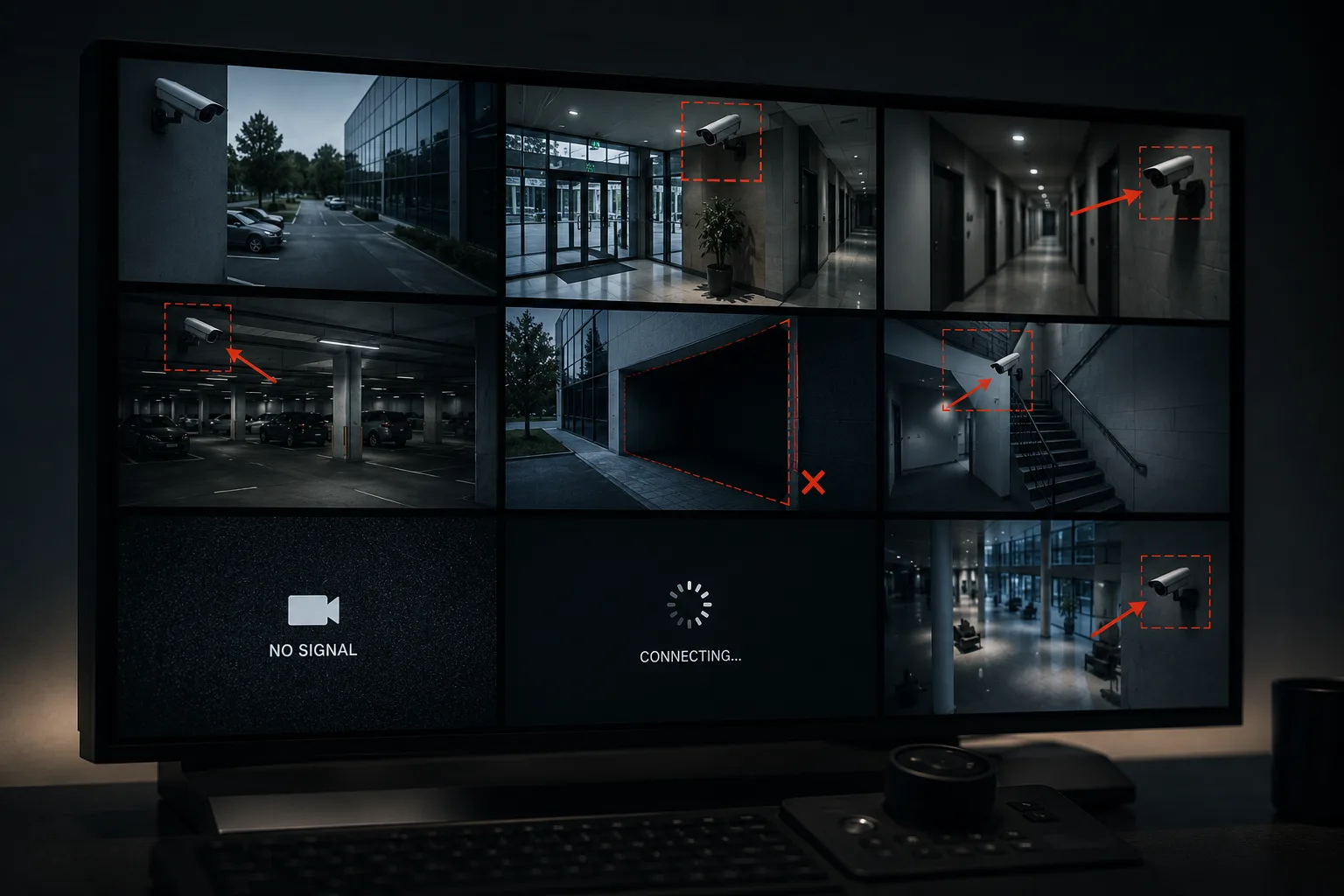
This is more common than it should be. A camera that's been bumped, knocked, or gradually shifted over time. A wide-angle lens covering 60% car park and 40% sky. A camera above a door that catches the top of people's heads instead of their faces. The system looks complete on paper. In practice, you've got blind spots where it matters most.
Entry and exit points without proper coverage
Every entry and exit point needs clear, unobstructed coverage of faces, not just confirmation that someone walked through. I regularly find side doors, loading docks and stairwells that either have no camera at all or have one positioned so poorly it wouldn't be useful in an investigation. These are usually the first places something goes wrong.
Indoor cameras used outdoors
It sounds obvious, but it happens constantly. Indoor cameras have no weatherproofing and often struggle with the contrast between bright outdoor light and shadows. The image looks fine on a sunny day. At dusk, in rain, or when a light source is behind the subject, it's useless.
Night vision that doesn't actually work
A camera's infrared night vision is only effective up to a certain distance and in certain conditions. Ambient lighting, reflective surfaces and IR range all affect it. Most businesses have never tested their cameras in complete darkness, so they don't know that half their night footage is a grey blur. Incidents don't schedule themselves around daylight hours.
Worth knowing
Most security systems are never tested after installation
The handover happens, the system works, and nobody checks it again until something goes wrong. Storage drives fail silently. Cameras drop off the network. Retention settings get changed. A system that passed its install check three years ago might not be performing the same way today.
Footage retention set too short
A lot of systems are configured to overwrite footage after 7 to 14 days by default. That sounds like enough until you realise most incidents (theft, harassment, fraudulent claims) aren't reported immediately. If someone raises a complaint three weeks after the fact, you've got nothing. For most commercial environments I'd recommend a minimum of 30 days, and higher-risk areas should be running 60 to 90.
Storage and network issues nobody's noticed
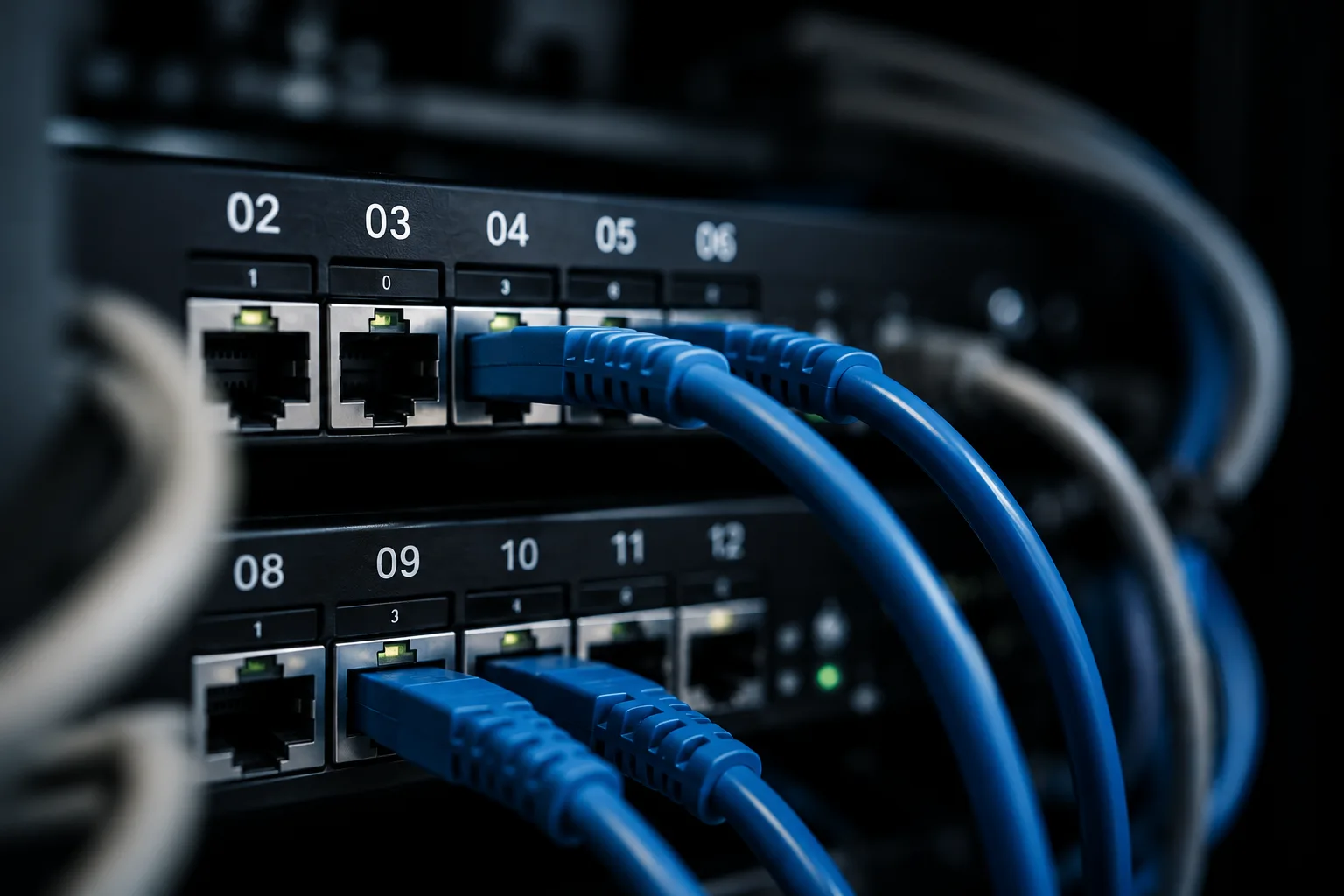
Hard drives have a finite lifespan. Network switches go offline. PoE ports stop supplying power. These failures are quiet: the camera looks like it's running from the outside, but it's not recording anything. I've found sites where multiple cameras had been offline for weeks without anyone knowing.
Access control that doesn't integrate with anything
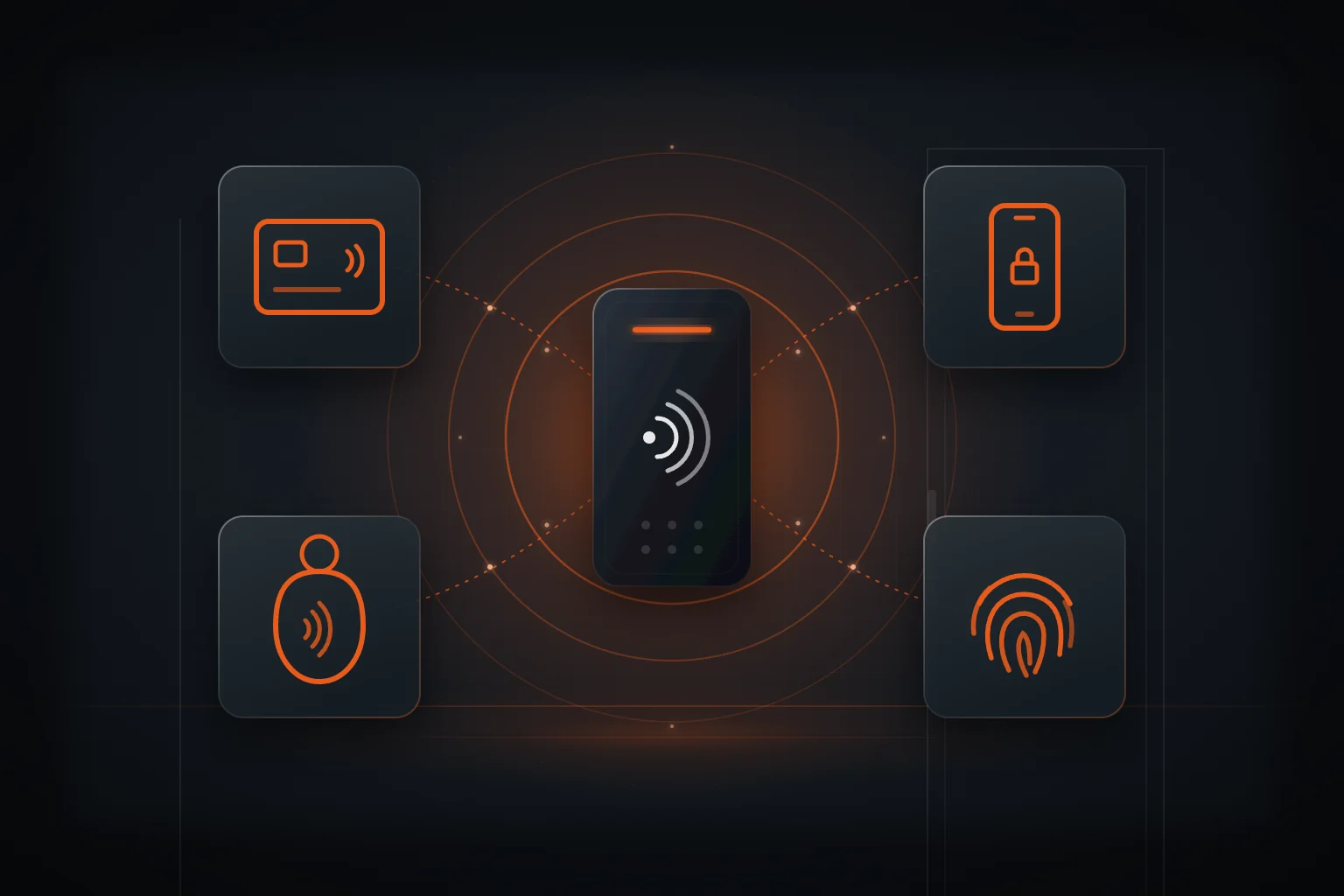
If your access control and your CCTV are two separate systems with no connection, you're making investigations harder than they need to be. When an access event happens, you want to pull the corresponding footage immediately, not spend an hour cross-referencing timestamps across two different platforms.
The eight gaps I find most often
Blind entry points
Side doors, loading docks and stairwells with no usable coverage
Poor camera angles
Cameras recording ceilings, sky, or the tops of heads instead of faces
Failed night vision
IR that doesn't reach far enough or gets washed out by ambient light
Short retention periods
Footage overwritten before incidents are reported
Silent storage failures
Drives or cameras offline with no alert and no one checking
Wrong camera type
Indoor hardware used in outdoor or high-contrast environments
No system integration
CCTV and access control running separately with no linked data
Outdated permissions
Former staff still in the system, access levels never reviewed
Why it matters more than people realise
Security systems exist for two reasons: to deter and to evidence. A camera that's visible deters. A camera that records clearly evidences. If yours can't do the second job, it's only doing half of what you're paying for.
The worst conversation I have is the one after something's happened. A break-in. A staff incident. An insurance claim. The client knows roughly when it occurred. We pull the footage together, and it's not there, or it's too dark to be useful, or the angle captured the wrong part of the frame entirely.
At that point, there's nothing to be done. The moment's gone.
The good news is that most gaps are straightforward to fix once you know they're there. A repositioned camera, a retention setting change, a storage health check. These aren't major projects. The hard part is finding the gaps before you need them not to exist.
"Most gaps are easy to fix. The hard part is finding them before something goes wrong."
What a proper security review covers
When we do a full security audit for a commercial site, here's what we're actually looking at:
- Coverage mapping: every entry, exit, high-value area and blind spot identified and documented
- Camera performance testing: day and night image quality, IR range, lens condition
- Storage and network health: drive status, recording continuity, camera uptime logs
- Retention settings: confirmed against your business requirements and any compliance obligations
- Access control audit: current permissions, user list, integration with CCTV
- System documentation: what's installed, where, when it was last serviced
- Recommendations: prioritised list of what needs fixing and what can wait
You come out of it with a clear picture of where you actually stand, not where you assumed you stood.
One more thing worth checking before anyone touches your system: whoever installs or services it needs to be licensed. In New Zealand that means a PSPLA licence, and you can look up any installer's number on the government's public register in about thirty seconds. Ours is 15-024822. If someone can't give you a number, that tells you something.
Check your own site first
You don't need to wait for a professional audit to start identifying issues. A lot of the most common gaps can be spotted with a simple walkthrough if you know what to look for.
I've put together a free self-audit checklist. It covers every area we check on a professional survey, broken down into steps you can work through yourself. Walk your building, check the boxes, and you'll have a solid idea of where the gaps are before you talk to anyone.
Free Download
Commercial Security Self-Audit Checklist
Walk your own building with this checklist and find out exactly where your security gaps are, before something happens.
If the checklist turns up things you want a second opinion on, or you'd rather have us do the survey properly, you know where we are.