Most access control conversations I have start in the wrong place. Someone asks "should we go cards or fobs?" before anyone has worked out who needs to get through which doors, and when.
Most systems get chosen backwards
The card, the fob, the phone app or the fingerprint reader is the bit everyone sees, so it's the bit everyone wants to talk about first. But it's actually the last decision you should make, not the first.
Get the credential wrong and you can swap it later. Get the design wrong (which doors, which people, which hours, what it connects to) and you live with it every day. Doors that should be locked aren't. Staff who left months ago can still walk in. Nobody can tell you who went into the server room last Tuesday.
It's a pattern that shows up again and again. Fingerprint readers go on every door when only the server room needed them. A system gets picked because it suited the first building, then can't stretch to the second. Cheap readers go in, and the whole lot has to be replaced when the business wants phones as keys three years later. None of those are hardware problems. They're planning problems.
"The credential is the last thing you choose, not the first."
Cards, fobs, phones and fingerprints compared
Here's the honest version. Every option works. Each one suits some buildings better than others.
| Credential | Best for | Watch out for |
|---|---|---|
| Cards | Most offices. A card can double as a photo ID badge. | Easy to lend, easy to lose. Lost cards have to be cancelled straight away. |
| Fobs | Warehouses, trades and tougher environments. They live on a keyring and survive being knocked around. | Same sharing risk as cards, and no photo to check against. |
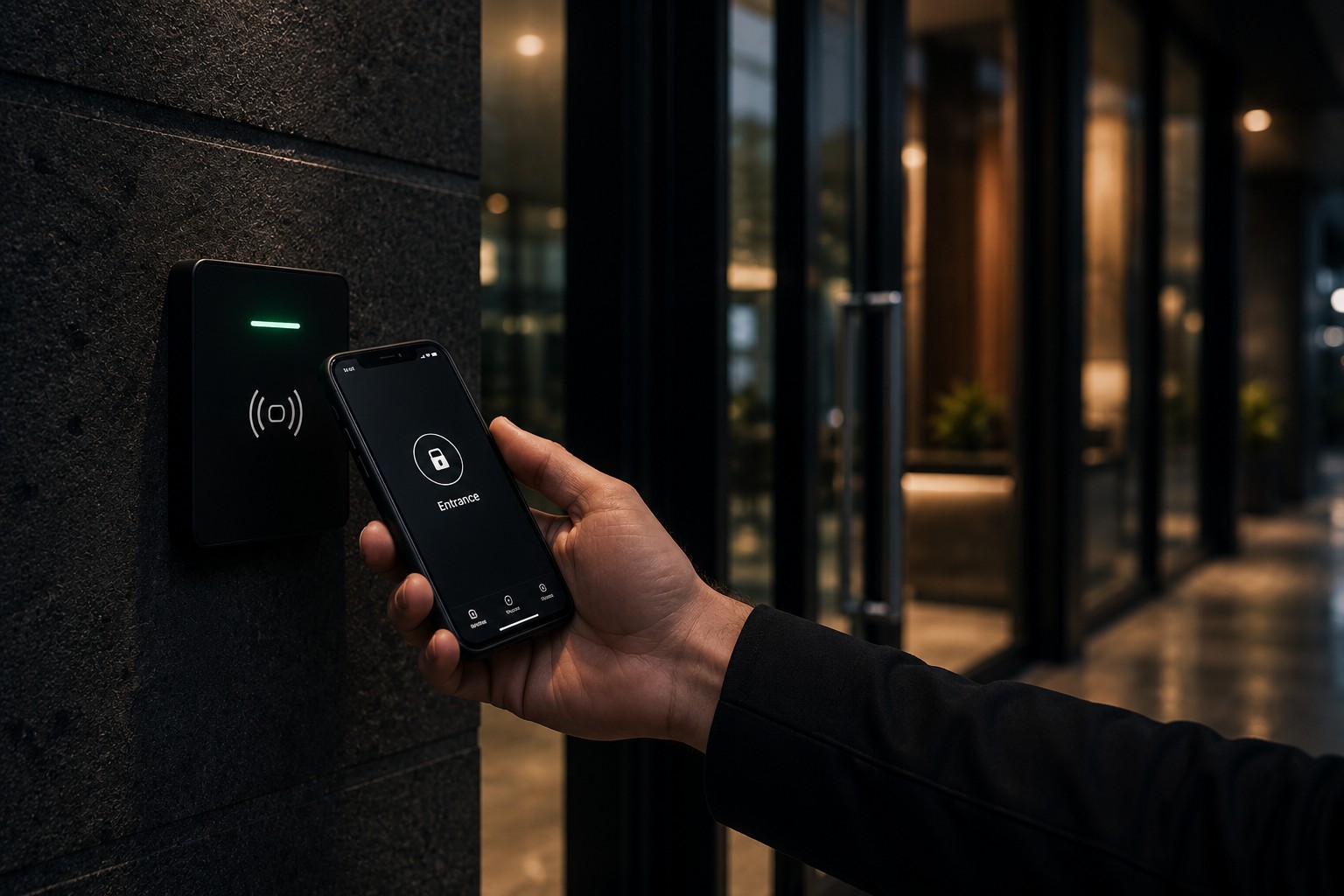
| Mobile (phone) | Multi-site businesses and contractors. You can issue and cancel access remotely, and people rarely forget their phone. | Older readers may not support it. Agree a policy on personal phones first. |
| PIN pads | Low-traffic doors like plant rooms, or as a second factor alongside a card. | Codes get shared and almost never changed. |
| Biometric | High-security areas: server rooms, pharmacies, cash handling. | Higher cost, and extra privacy obligations when you collect fingerprints or faces. |
Plenty of buildings end up with a mix: cards for the front door and most internal doors, and a second factor or biometric on the handful of rooms that really matter. That's usually the sweet spot.
Six questions that actually decide it
Before anyone quotes you, get clear answers to these. They decide the design, and the design decides the cost.
How many doors and sites?
One site with six doors is a different job from five sites with sixty
Who comes and goes?
Staff turnover, contractors, cleaners and visitors all need handling
When should access change?
After-hours, weekends and public holidays, door by door
What needs a record?
Which doors need an audit trail of who went in, and when
What does it connect to?
CCTV, alarms, lifts, the fire system and your HR process
Where are you heading?
New sites or more doors in the next few years change today's choice
I've turned these into a free planning sheet you can fill in door by door. More on that below.
Don't forget the fire alarm
This is the one that catches people out. Any locked door on an escape route has to let people out in an emergency. That usually means linking the access control to the fire alarm so those doors release automatically when it goes off.
Worth knowing
Fail safe or fail secure is a design decision
When the power goes out, a door can be set to fail safe (unlock) or fail secure (stay locked). Escape routes generally need to let people out. A server room might need to stay locked. Battery backup keeps things running through short outages. All of this should be decided at the design stage, with your fire engineer involved, not discovered after the fact.
One site or twenty, plan for where you're going
If you've got more than one site, or you might in the next few years, this matters more than the credential. A proper multi-site platform gives you one list of users and one dashboard for every building. When someone leaves, you remove them once and they're out everywhere. When a contractor needs a week at your Hamilton site, you give them that and nothing else.
The alternative is a different system at every site, each with its own user list that someone has to remember to update. That's how former staff end up with working cards two years later.
We work with Gallagher and Inner Range, two platforms built to scale from one door to a national network.
Link it to your cameras
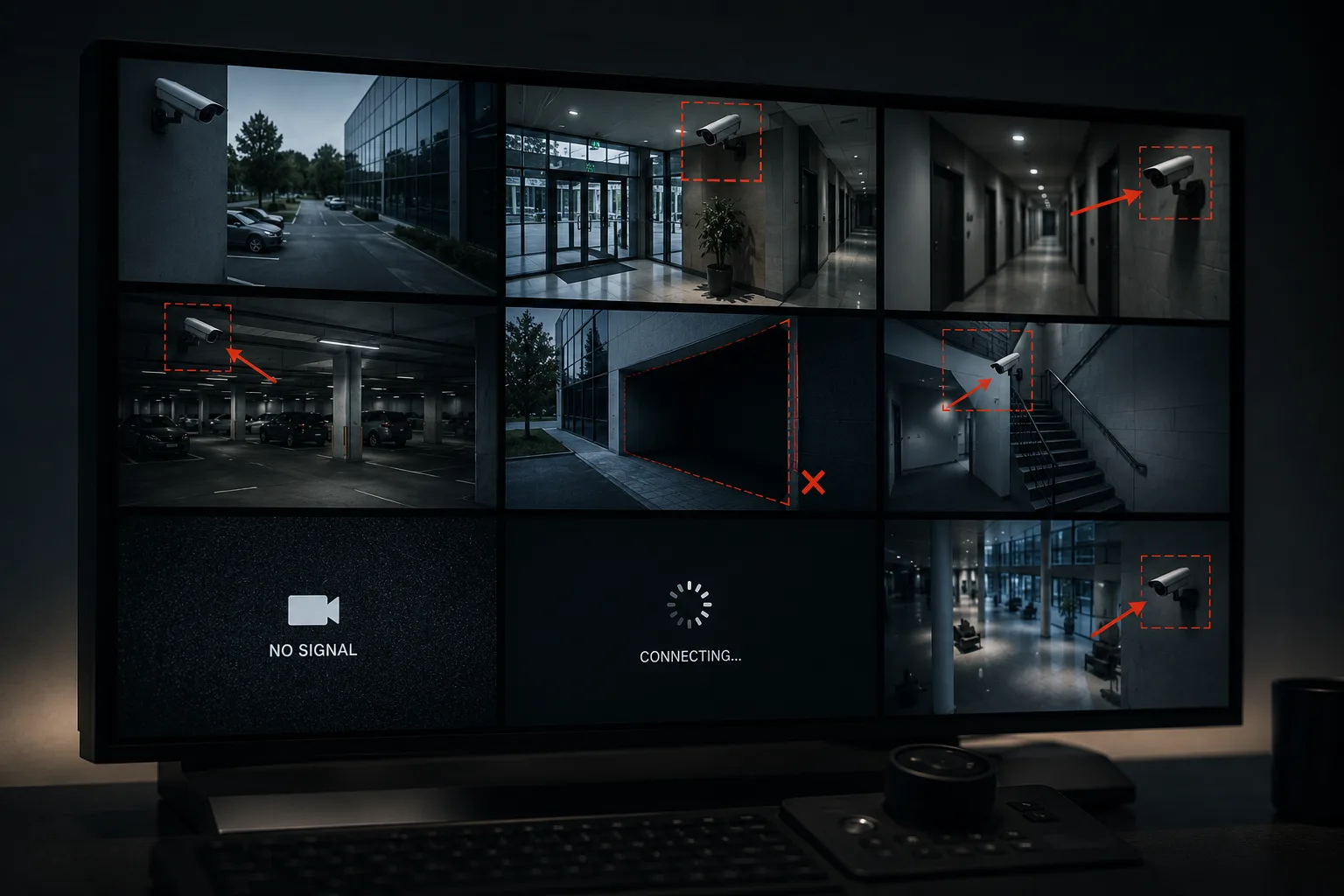
Access control and CCTV are far more useful together. When a door is opened, forced or held open, the nearest camera tags the moment so you can pull the footage in seconds instead of matching timestamps across two systems. If you're upgrading either one, it's worth planning them together. I covered the camera side in the CCTV coverage gaps most buildings have.
The mistakes I see most
- Former staff still active: nobody owns the user list, so leavers never get removed
- Shared cards and PINs: one code for the whole team means no real record of who went where
- Doors propped open: no door-held alarm, so a secure door spends half the day wedged open
- Different systems at every site: each one set up by a different installer, none of them talking to each other
- No plan for power cuts: nobody knows which doors lock and which release until it happens
- Nobody reviews the access levels: people pick up extra access as they change roles and never lose it, until half the staff can get into the server room
What does it cost?
Honestly, it depends on the door. Each one needs a reader, the right lock hardware, a controller, cabling and power, plus the software and the credentials themselves. A standard internal door and a fire-rated door on an escape route are very different jobs.
The biggest swings come from the lock hardware (a standard door is simpler than a glass door, a fire door or a gate), how far the cabling has to run, how many sites need to be managed from one system, and whether you're upgrading existing hardware or starting fresh. Software licences and the number of credentials make a smaller difference than most people expect.
That's why two quotes for "access control on ten doors" can be thousands of dollars apart. They're often not quoting the same thing.
The fastest way to an accurate number is a clear door schedule. Which brings me to the planning sheet.
Plan it before you price it
I've put together a free planning sheet that walks you through every door: who needs access, what hours, which credential, and what it has to connect to. Fill it in and you'll know exactly what you need before you talk to anyone. You'll also get far more accurate quotes, from us or anyone else.
Free Download
Access Control Planning Sheet
Plan every door, user group and schedule in one place, so you know exactly what you need before anyone quotes.
One last thing: whoever designs and installs your access control needs to be licensed. In New Zealand that means a PSPLA licence, and you can check any installer's number on the government's public register. Ours is 15-024822.
If the planning sheet raises questions, or you'd rather we walked the site with you, you know where we are.